FAN Courier CollectPoint (PayPoint) — Documentation
Installation and configuration guide for the CollectPoint (PayPoint) pickup plugin for nopCommerce. The plugin uses the FAN Courier API v2.
Installation
Upload & install
Upload the plugin zip via Admin → Configuration → Local plugins → Upload plugin or theme, then click Install.Configure credentials
Open Configure and enter your FAN Courier username, password and client ID.Synchronize locations
Click Synchronize locations to import the PayPoint stores (a scheduled task can also do this periodically).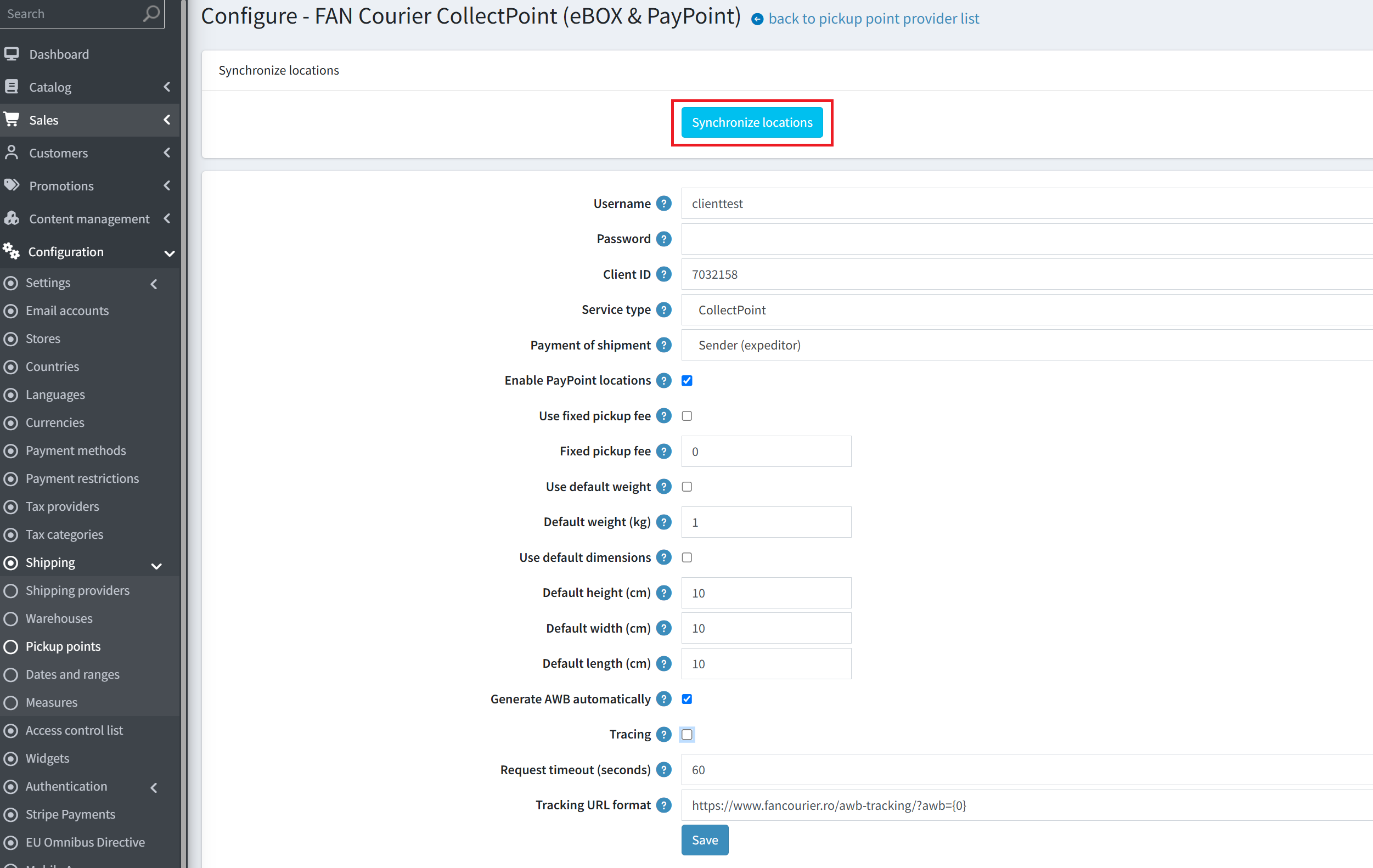
Activate the provider
Enable the "FAN Courier CollectPoint" provider in Admin → Configuration → Shipping → Pickup points.
Configuration
| Setting | Description |
|---|---|
| Username / Password / Client ID | FAN Courier API credentials (bearer token + AWB). |
| Service type | CollectPoint (flat 26.67 RON) or CollectPoint Cont Colector (flat 37.20 RON). |
| Payment of shipment | Sender (expeditor) or Recipient (destinatar). |
| Enable PayPoint locations | Offer PayPoint stores as pickup points. |
| Use fixed pickup fee / Fixed pickup fee | Fixed fee instead of the dynamic rate; also used as fallback when the rate API is unavailable. |
| Use default weight / weight | Fallback weight (kg) for items without a weight. |
| Use default dimensions | Fallback package dimensions (cm). |
| Generate AWB automatically | Creates the AWB on order placement (pickup-in-store orders). |
| Tracing | Logs API requests/responses (incl. credentials) — keep off in production. |
| Tracking URL format | Tracking link template ({0} = AWB number). |
Rate / tariff behavior
FAN's CollectPoint service is a flat rate — the price does not depend on weight:
| Service | Price (incl. VAT) |
|---|---|
CollectPoint | 26.67 RON |
CollectPoint Cont Colector | 37.20 RON |
The weight is rounded up to a 1 kg minimum. PayPoint limits: max 60 × 90 × 60 cm and max 10 kg (the plugin does not enforce these — FAN may reject the AWB).
Important gotchas
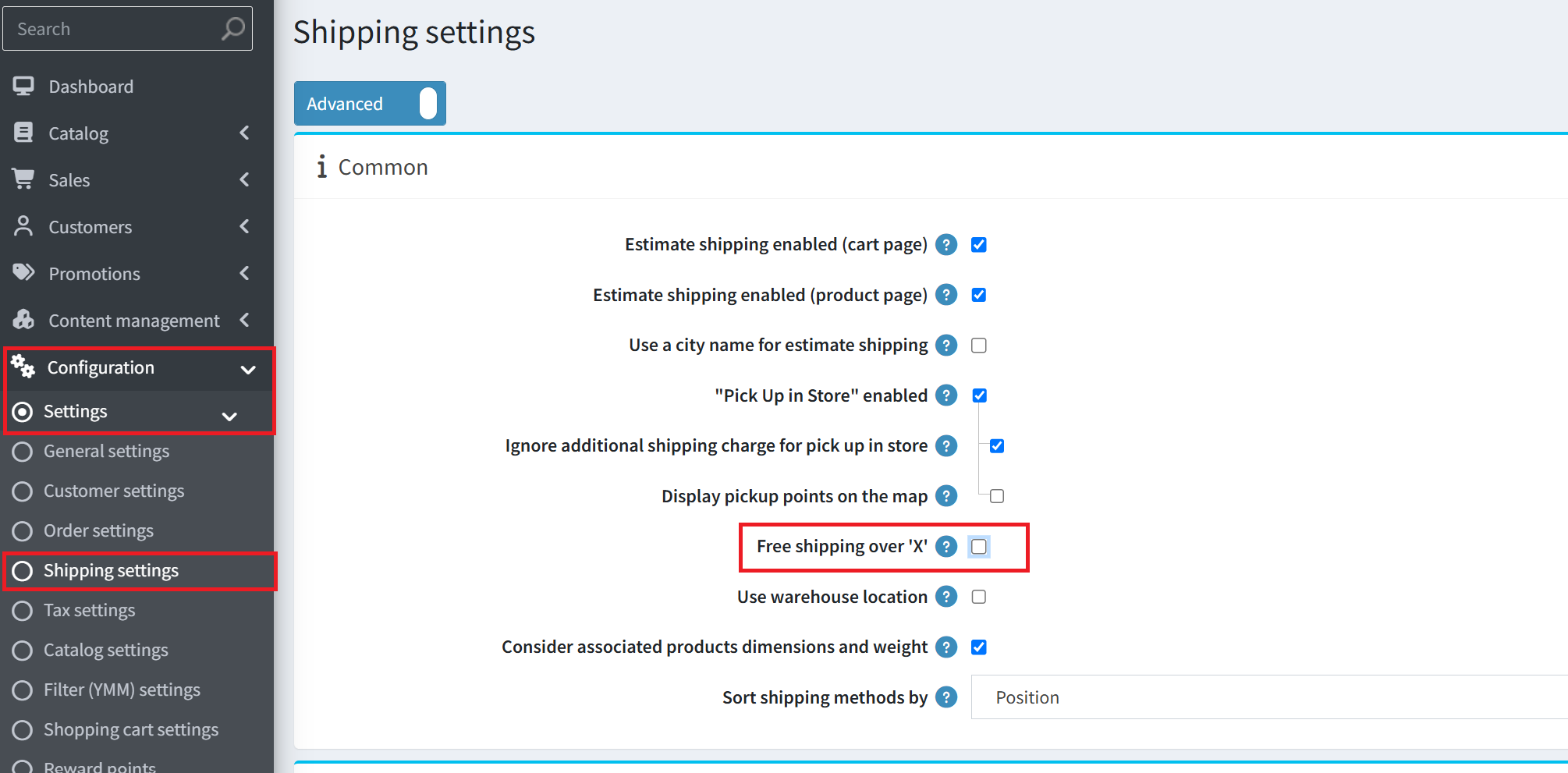
1. "Free shipping over X" overrides the plugin rate. If Admin → Settings → Shipping settings → "Free shipping over X" is enabled and the subtotal exceeds the threshold, shipping becomes 0 and the FAN rate is ignored.
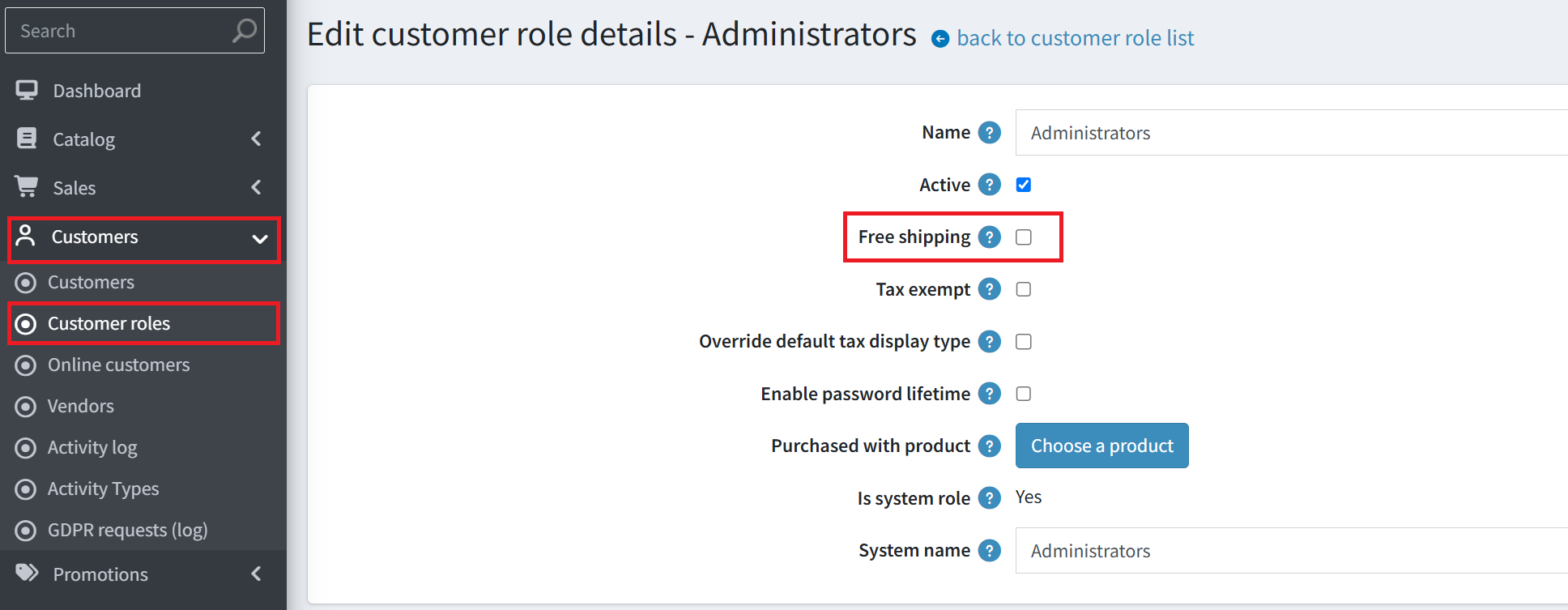
2. Customer role "Free shipping" also overrides the rate (Admin → Customers → Customer roles).
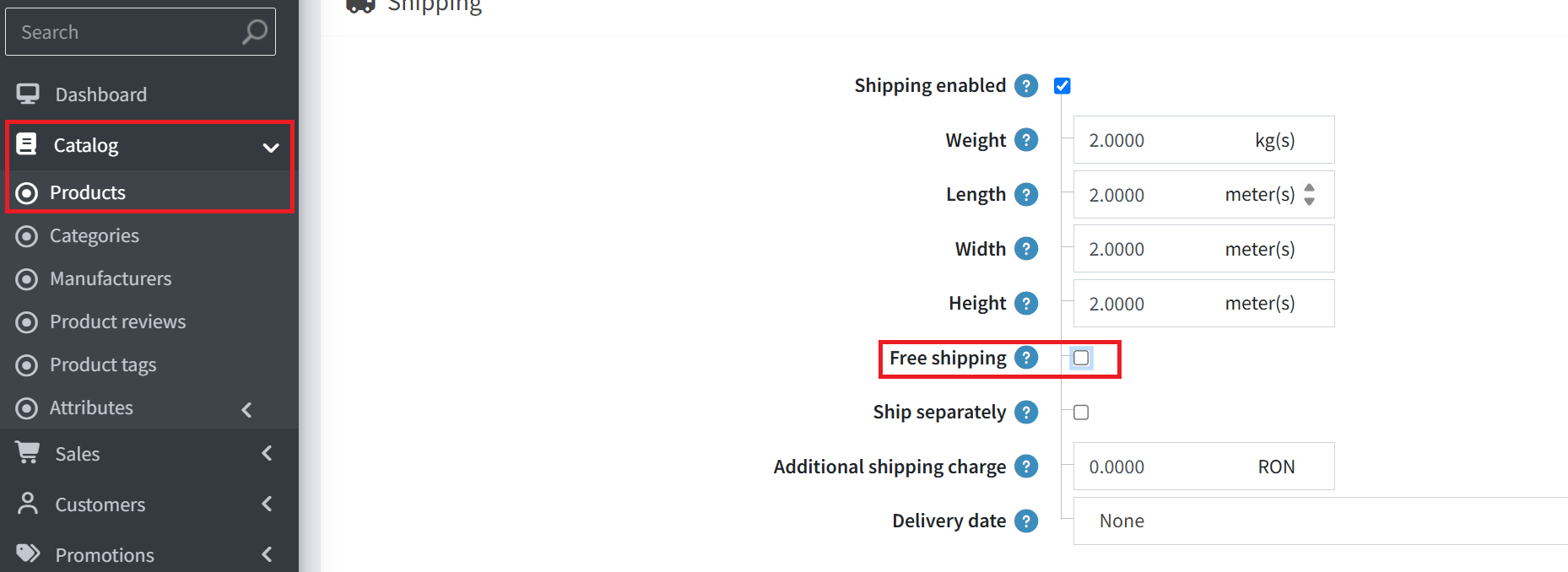
3. Product "Free shipping" (all items) overrides the rate.
4. A valid phone number (≥10 digits) is mandatory for AWB generation.
AWB & shipment flow
AWB generated on order placement
For pickup-in-store orders, the plugin resolves the selected PayPoint and generates the AWB.Stored with price incl. VAT
The AWB is saved locally withtariff + vat.Shipment created
A nopCommerce shipment is created with the AWB as tracking number and marked ready for pickup.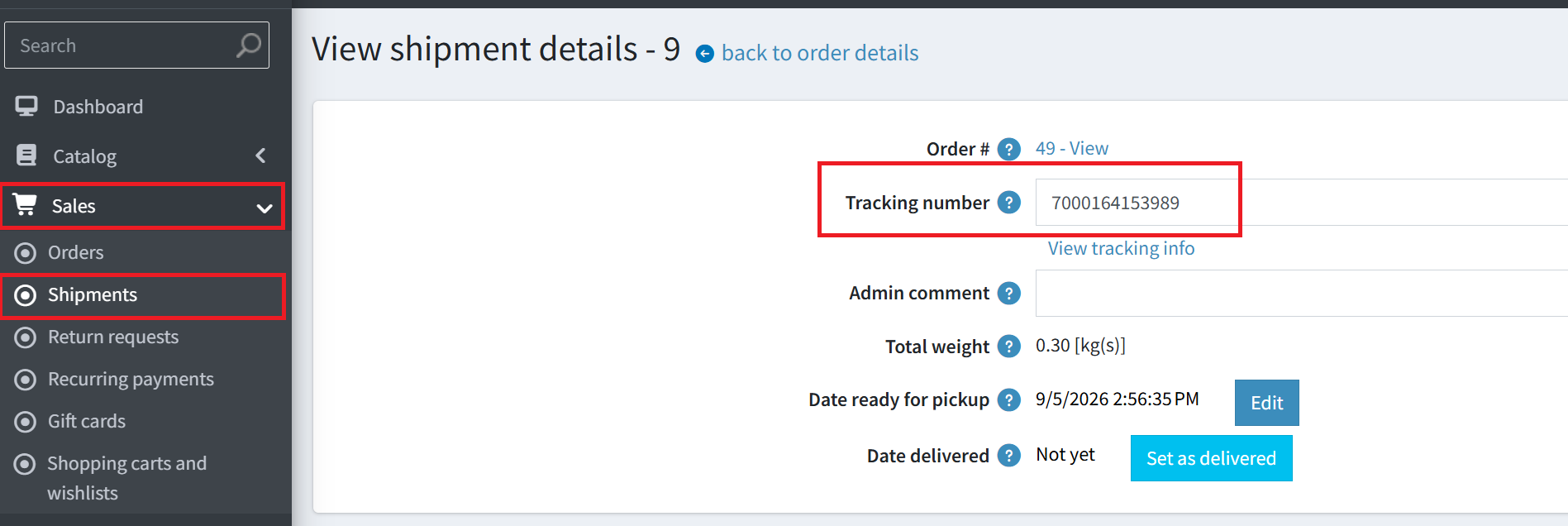
v2 API endpoints
| Endpoint | Purpose |
|---|---|
POST /login | Bearer token (24h, cached). |
GET /reports/pickup-points?type=paypoint | PayPoint locations. |
GET /reports/awb/internal-tariff | Pickup fee. |
POST /intern-awb | Create the AWB. |